Help & Extras
The Help & Extras window is a small launcher for tools and project resources.
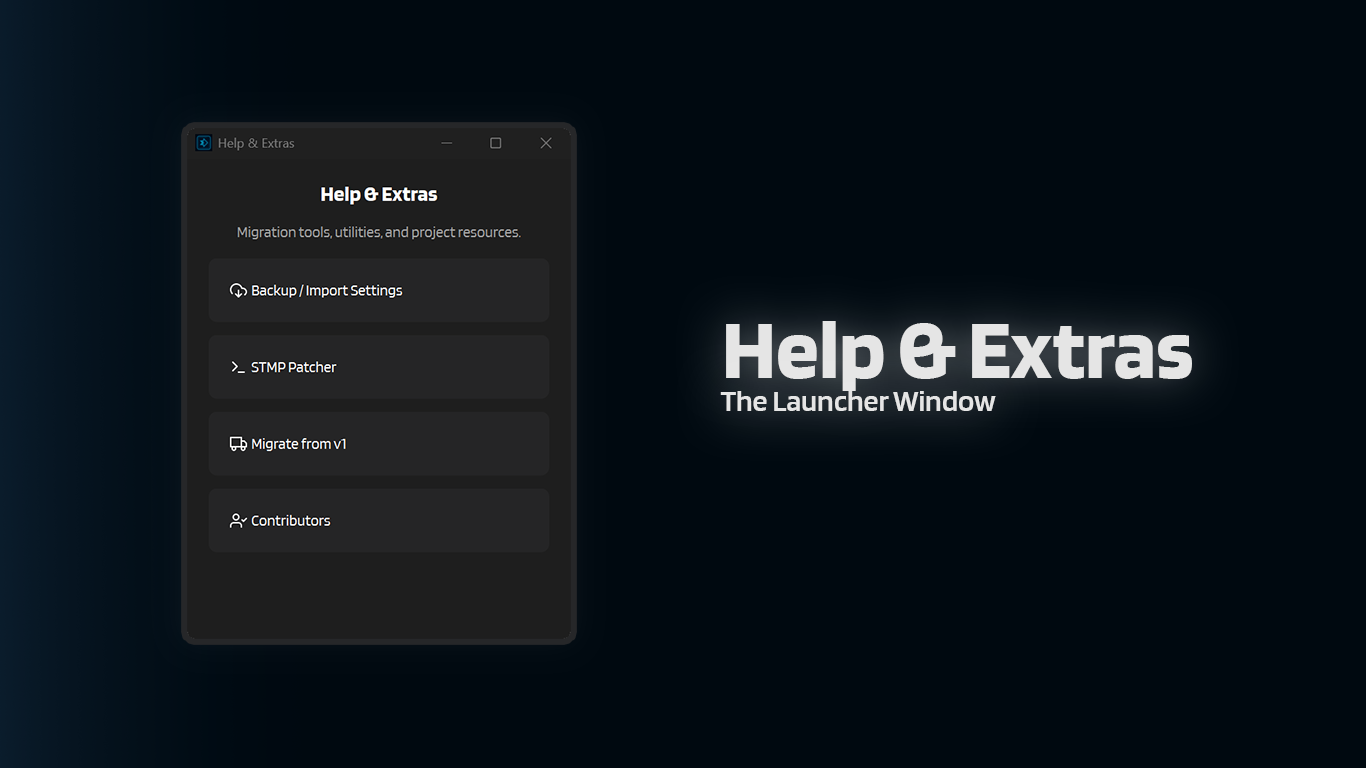
How to open it
From the main window:
- Click Tools
- The Help & Extras window opens
What's inside
Bug Report
Creates a troubleshooting .zip from the private internal diagnostics log and the latest saved prompt snapshots.
You need to enable the Bug Report settings first, otherwise the tool just tells you to collect things manually instead.
Backup / Import Settings
Back up your active config directory to a .zip, or restore one.
Browser Manager
Shows the current Playwright/Patchright Chromium executable path and lets you Install, Reinstall, or Delete the browser bundle IntenseRP uses.
If the API/browser services are still running, it will stop you and ask you to shut everything down first.
STMP Patcher
Patches RossAscends's STMP so it includes per-message names, which makes name detection in IntenseRP much more reliable.
Migrate from v1
Imports settings from IntenseRP Next v1.5.3+ by reading save/config.enc + save/secret.key from your old install folder.
This is a guided flow (it will ask you to pick your v1 folder), but you should still manually review your settings after.
Contributors
Shows a scrollable list of contributors. Clicking a card opens their profile.
Discord Server
Opens the IntenseRP Next Discord server for quick questions, shared troubleshooting, and casual feedback.
GitHub
Opens the main IntenseRP Next GitHub repository.
Docs
Opens the main documentation page.